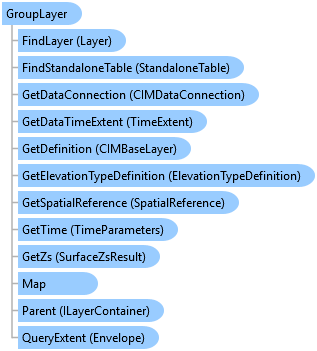
GroupLayer Class
In This Topic
Represents a layer containing an editable collection of layers.
Object Model
Syntax
Public NotInheritable Class GroupLayer
   Inherits CompositeLayerWithTables
   Implements ArcGIS.Desktop.Core.IMetadataInfo, ILayerContainer, ILayerContainerEdit, IMetadataSource, IStandaloneTableContainer, IStandaloneTableContainerEdit, System.ComponentModel.INotifyPropertyChanged
Remarks
To create a GroupLayer, you must call CreateGroupLayer() method of the LayerFactory class, instead of directly using a constructor.
Example
Remove empty groups
{
    //Get the group layers
    IReadOnlyList<GroupLayer> groupLayers = map.Layers.OfType<GroupLayer>().ToList();
    //Note: Run within a QueuedTask
    foreach (var group in groupLayers)
    {
        if (group.Layers.Count == 0) //No layers in the group
        {
            //remove the group
            map.RemoveLayer(group);
        }
    }
}
Inheritance Hierarchy
System.Object
ArcGIS.Desktop.Framework.Contracts.PropertyChangedBase
ArcGIS.Desktop.Mapping.MapMember
ArcGIS.Desktop.Mapping.Layer
ArcGIS.Desktop.Mapping.CompositeLayer
ArcGIS.Desktop.Mapping.CompositeLayerWithTables
ArcGIS.Desktop.Mapping.GroupLayer
Requirements
Target Platforms: Windows 11 Home, Pro, Enterprise (64 bit)
ArcGIS Pro version: 3.0 or higher.
See Also