Set constraints editor settings
Constraint settings include options for on-screen constraint prompts and turning inference constraints on or off. To access these settings, click the ribbon Edit tab and click Editor Settings  .
.
For detailed steps, click the corresponding link described in the following table:
|
Mode |
Description |
|---|---|
|
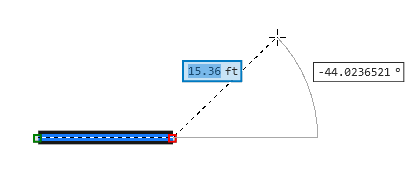
On-screen constraints prompt you to provide direction and distance as you draw segments for line and polygon features.
|
|
|
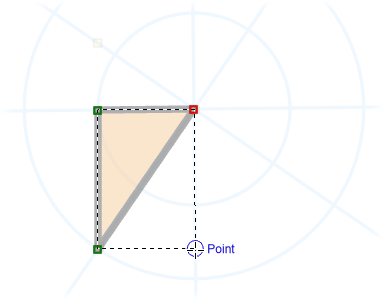
Inference is a constraint mode that uses your current snap settings to snap the pointer to inferred geometric relationships between the current vertex and existing feature geometry.
|