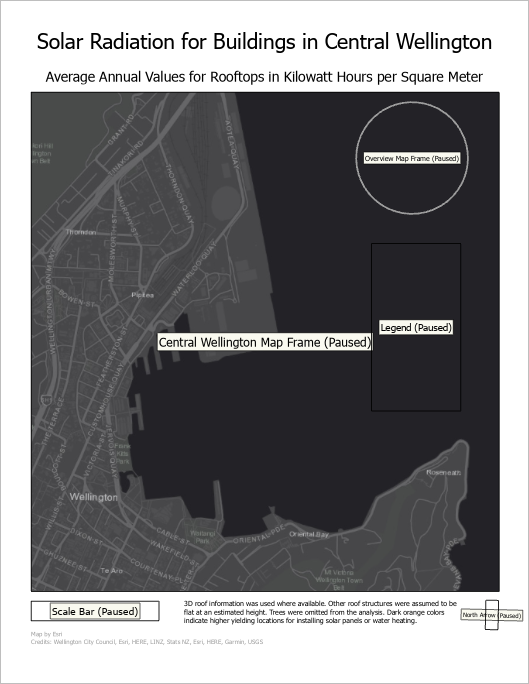
Refresh or pause drawing in a layout
There are two buttons at the bottom of layout views to help with interactive performance, Pause Drawing  and Refresh
  . The Refresh button spins when a layout is actively drawing data. Click it at anytime to redraw the layout. Use the Pause Drawing button to temporarily stop drawing a layout. This is useful for moving and aligning elements quickly without waiting for things to redraw.
When a layout is paused, text and graphics draw but most other elements do not. Instead, the names and outlines of the elements appear. Click Pause Drawing again to resume drawing.
While pause drawing is enabled you cannot activate a map frame or launch hyperlinks. Additionally, dynamic text does not update even though it appears on the layout.