Compare missions
Note:
ArcGIS Reality Web App is a beta feature at ArcGIS Enterprise 12.2. While in beta, this capability may not be feature complete and, as such, may have known performance or quality issues and will not be supported by Esri Technical Support.
Feedback on this feature can be provided through the Esri Early Adopter Community.
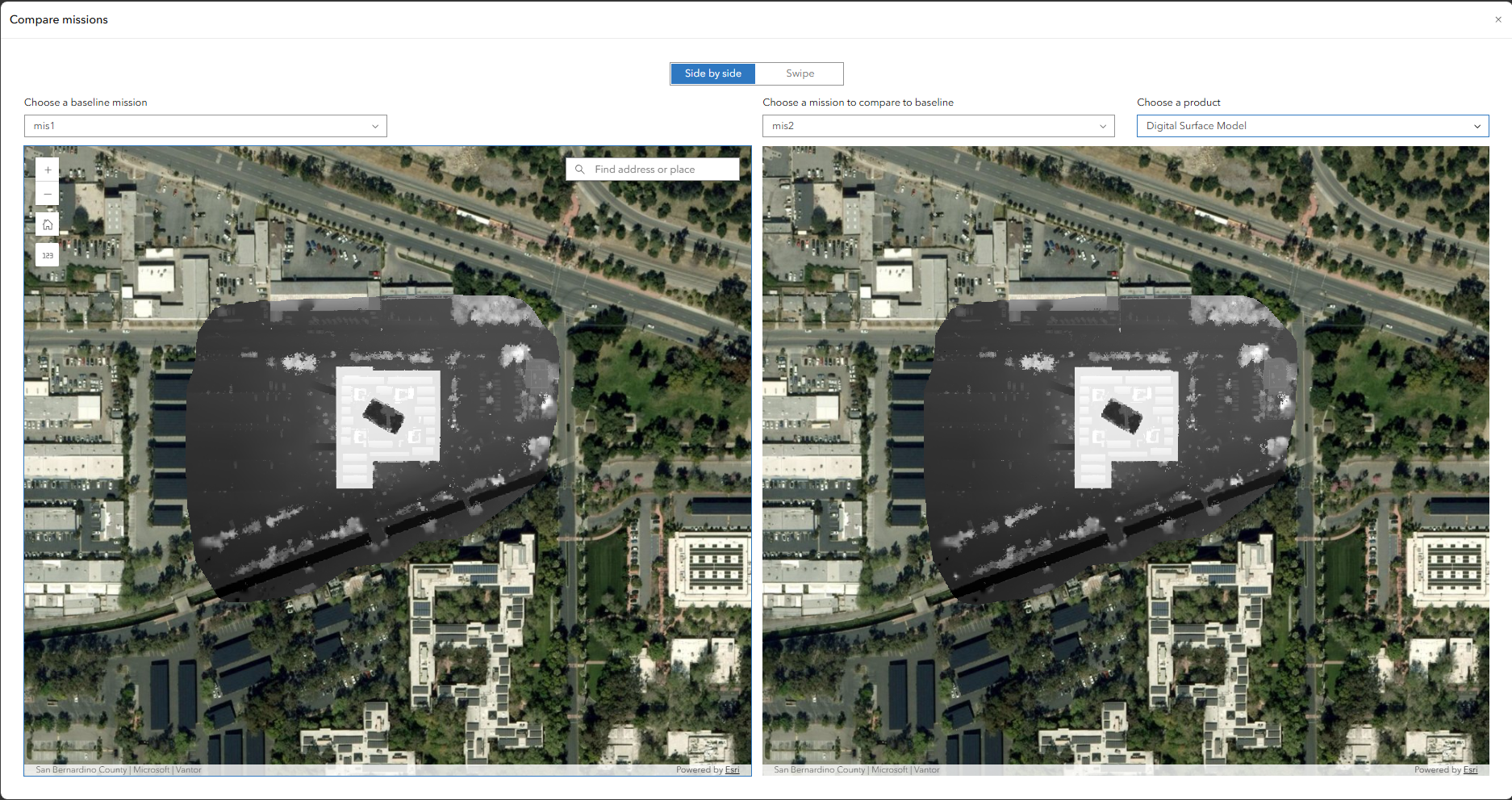
A mission can be compared to another mission within the same project using the compare mission option. This provides side by side or swipe visualization of the products available in the two missions.
Follow the following steps to compare two missions:
Click the compare mission to launch a side by side visualization of the missions. To change the visualization to swipe mode, click swipe at the top.
Choose a baseline mission and the mission to compare to the baseline.
Choose the products you want to compare for the two missions and explore.