Create Range Rings Interactively
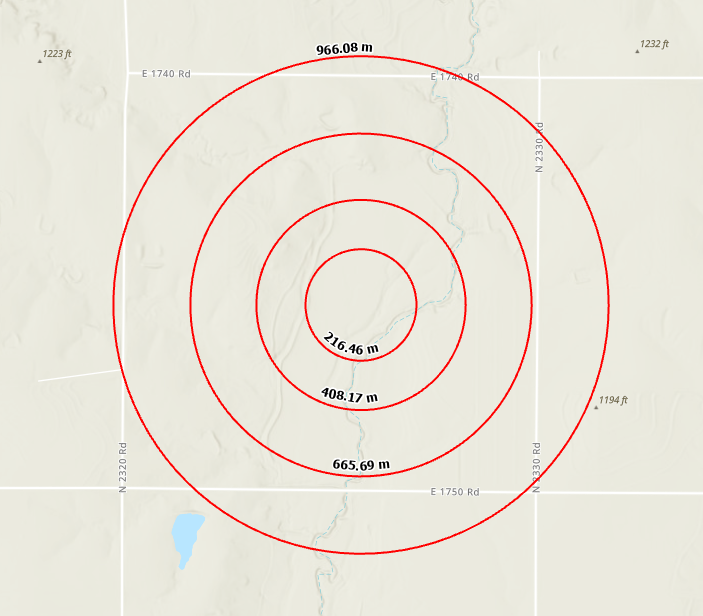
This workflow demonstrates how to interactively create range rings by clicking the map.
Description
You can create range rings and radials on a map. Range rings can be created interactively or from a known center point and distance between rings values. When creating range rings from known distances between rings, the rings can be drawn at a fixed interval based on a distance from the origin point or cumulatively based on a distance from the previous ring.
Prerequisites
- You must have a project with a map open.
Tools and commands used
Steps
Click the Map tab.
Click Distance and Direction in the Inquiry group
 .
.The Distance and Direction pane opens.
Click the Rings tab.
Click Map Point Tool

Click a location on the map to designate the center point of the ring or rings.
In the Ring Type drop-down list, click Interactive.
Click the map to designate the diameter of the next ring. Add rings as necessary and double-click to finish.
Range Rings are created and added to the map.