Public Overloads Function ConstructPolygonSymbol() As CIMPolygonSymbol
public CIMPolygonSymbol ConstructPolygonSymbol()
Public Overloads Function ConstructPolygonSymbol() As CIMPolygonSymbol
public CIMPolygonSymbol ConstructPolygonSymbol()
{
  //Create a simple 2D rectangle graphic and apply simple fill and
  //outline symbols.

  //Note: Must be on QueuedTask.Run

  //Build 2D envelope geometry
  Coordinate2D rec_ll = new Coordinate2D(1.0, 4.75);
  Coordinate2D rec_ur = new Coordinate2D(3.0, 5.75);

  Envelope rec_env = EnvelopeBuilderEx.CreateEnvelope(rec_ll, rec_ur);

  //Set symbology, create and add element to layout
  CIMStroke outline = SymbolFactory.Instance.ConstructStroke(
    ColorFactory.Instance.BlackRGB, 5.0, SimpleLineStyle.Solid);
  CIMPolygonSymbol polySym = SymbolFactory.Instance.ConstructPolygonSymbol(
    ColorFactory.Instance.GreenRGB, SimpleFillStyle.DiagonalCross, outline);


  GraphicElement recElm = ElementFactory.Instance.CreateGraphicElement(
    layout, rec_env, polySym, "New Rectangle");
  //Or use Predefined shape
  GraphicElement recElm2 = ElementFactory.Instance.CreatePredefinedShapeGraphicElement(
                            layout, PredefinedShape.Rectangle, rec_env, polySym,
                            "New Rectangle2");
}
/// <summary> /// Create a procedural symbol that can be applied to a polygon building footprint layer /// 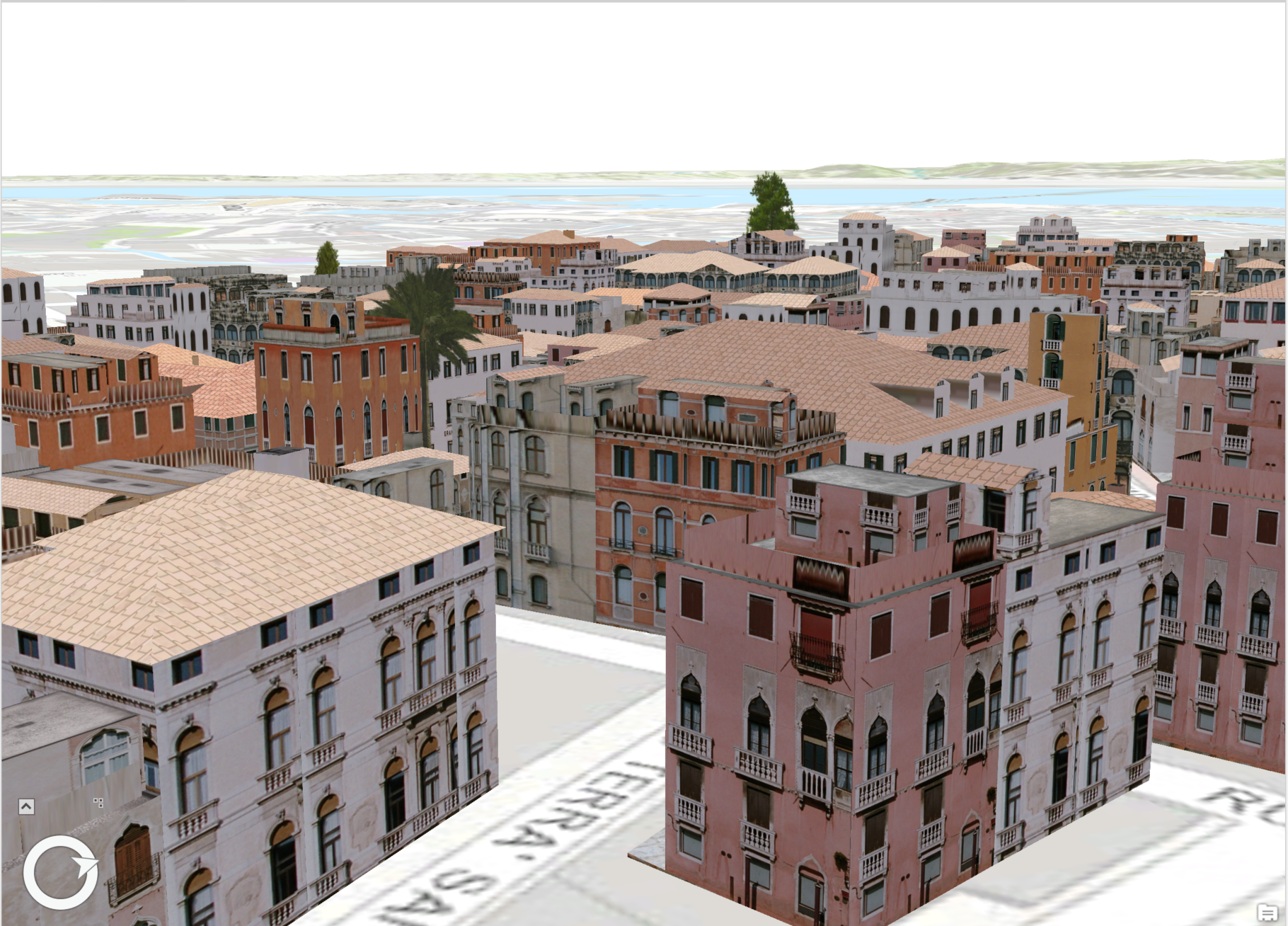 /// Note: The rule package used in this method can be obtained from the Sample Data included in the arcgis-pro-sdk-community-samples repository. /// </summary> { //Note: Run withing QueuedTask string _rulePkgPath = @"C:\Data\RulePackages\Venice_2014.rpk"; //Polygon symbol to hold the procedural layer var proceduralSymbol = SymbolFactory.Instance.ConstructPolygonSymbol(); //Array of layers to hold a procedural symbol layer CIMSymbolLayer[] proceduralSymbolLyr = { new CIMProceduralSymbolLayer() { PrimitiveName = "Venice Rule package 2014", RulePackage = _rulePkgPath, RulePackageName = "Venice_2014", } }; proceduralSymbol.SymbolLayers = proceduralSymbolLyr; //To apply the symbol to a polygon feature layer //var renderer = theLayer.GetRenderer() as CIMSimpleRenderer; //renderer.Symbol = proceduralSymbol.MakeSymbolReference(); //theLayer.SetRenderer(renderer); }
Target Platforms: Windows 11 Home, Pro, Enterprise (64 bit)