/// <summary>
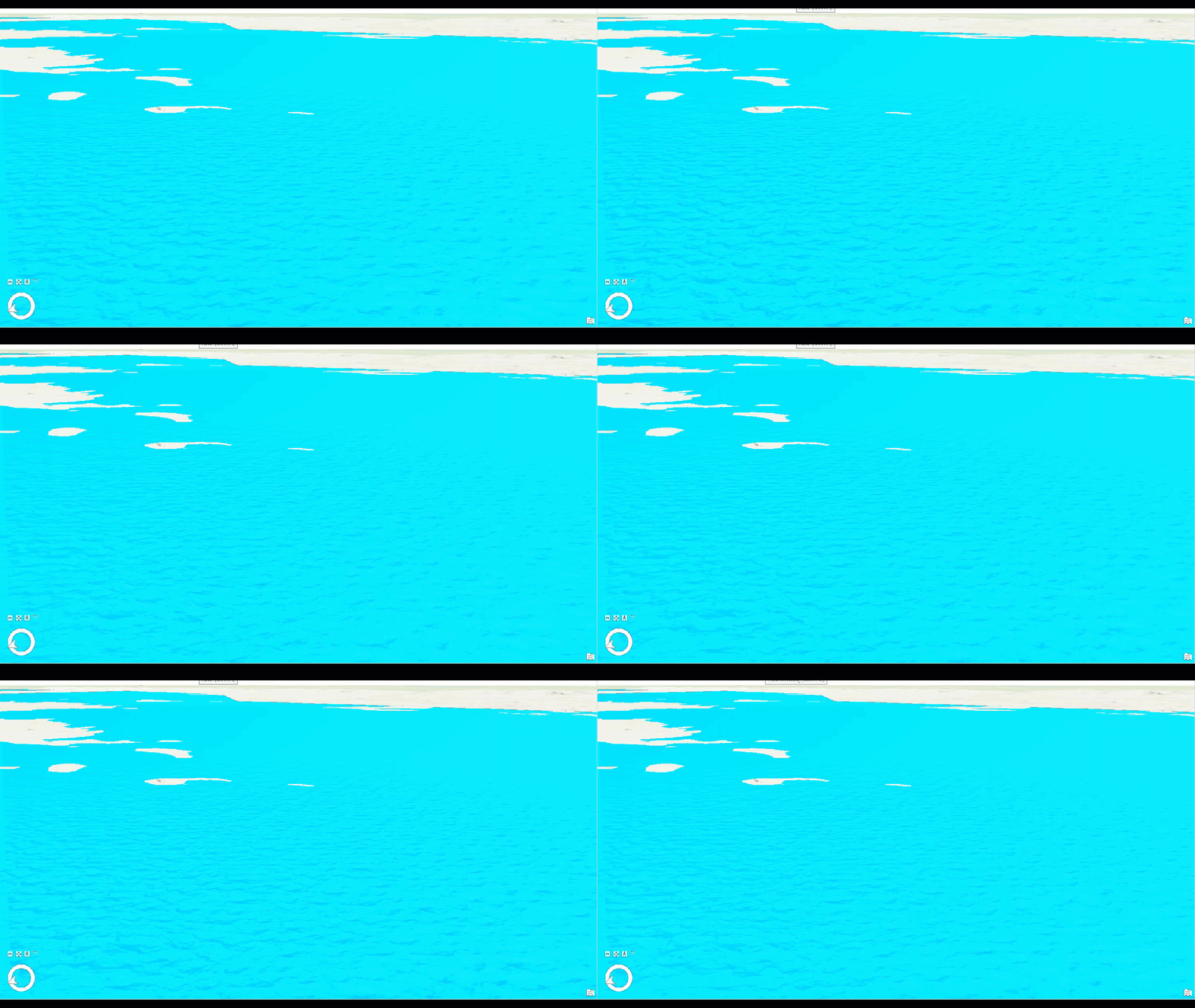
/// Constructs a water fill of specific color, waterbody size and wave strength. This fill can be used on polygon feature classes in a Scene view only.
/// 
/// </summary>
{
//Note: Run withing QueuedTask
CIMStroke outline = SymbolFactory.Instance.ConstructStroke(CIMColor.CreateRGBColor(49, 49, 49, 50.0), 2.0, SimpleLineStyle.Solid);
var waterFill = SymbolFactory.Instance.ConstructWaterFill(CIMColor.CreateRGBColor(3, 223, 252), WaterbodySize.Large, WaveStrength.Rippled);
List<CIMSymbolLayer> symbolLayers = new List<CIMSymbolLayer>
{
outline,
waterFill
};
CIMPolygonSymbol waterFillPolygonSymbol = new CIMPolygonSymbol() { SymbolLayers = symbolLayers.ToArray() };
//To apply the symbol to a polygon feature layer
//var renderer = theLayer.GetRenderer() as CIMSimpleRenderer;
//renderer.Symbol = waterFillPolygonSymbol.MakeSymbolReference();
//theLayer.SetRenderer(renderer);
}