Parameters
- color
- ArcGIS.Core.CIM.CIMColor
/// <summary> /// Creates a point symbol with custom fill and outline /// 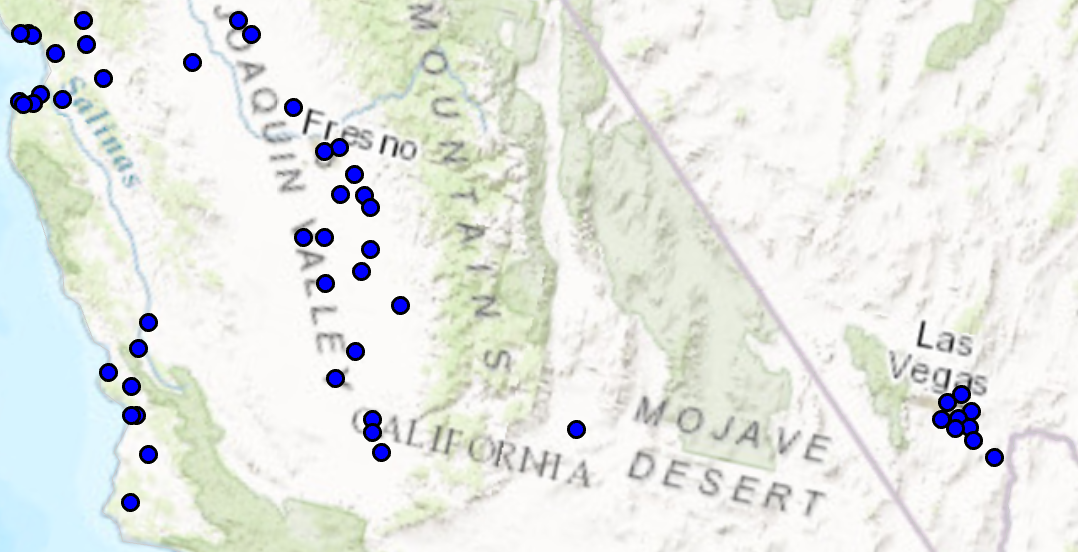 /// </summary> { //Note: Run withing QueuedTask var circlePtCustomFileOutlineSymbol = SymbolFactory.Instance.ConstructPointSymbol(ColorFactory.Instance.BlueRGB, 6, SimpleMarkerStyle.Circle); //Modifying this point symbol with the attributes we want. //getting the marker that is used to render the symbol var marker = circlePtCustomFileOutlineSymbol.SymbolLayers[0] as CIMVectorMarker; //Getting the polygon symbol layers components in the marker var polySymbol = marker.MarkerGraphics[0].Symbol as CIMPolygonSymbol; //modifying the polygon's outline and width per requirements polySymbol.SymbolLayers[0] = SymbolFactory.Instance.ConstructStroke(ColorFactory.Instance.BlackRGB, 2, SimpleLineStyle.Solid); //This is the outline polySymbol.SymbolLayers[1] = SymbolFactory.Instance.ConstructSolidFill(ColorFactory.Instance.GreenRGB); //This is the fill //To apply the symbol to a point feature layer //var renderer = pointLayer.GetRenderer() as CIMSimpleRenderer; //renderer.Symbol = circlePtCustomFileOutlineSymbol.MakeSymbolReference(); //pointLayer.SetRenderer(renderer); }
Target Platforms: Windows 11 Home, Pro, Enterprise (64 bit)