Parameters
- color
- ArcGIS.Core.CIM.CIMColor
- width
- The width of stroke to construct.
- lineStyle
- SimpleLineStyle
{
  //Create a simple 2D rectangle graphic and apply simple fill and
  //outline symbols.

  //Note: Must be on QueuedTask.Run

  //Build 2D envelope geometry
  Coordinate2D rec_ll = new Coordinate2D(1.0, 4.75);
  Coordinate2D rec_ur = new Coordinate2D(3.0, 5.75);

  Envelope rec_env = EnvelopeBuilderEx.CreateEnvelope(rec_ll, rec_ur);

  //Set symbology, create and add element to layout
  CIMStroke outline = SymbolFactory.Instance.ConstructStroke(
    ColorFactory.Instance.BlackRGB, 5.0, SimpleLineStyle.Solid);
  CIMPolygonSymbol polySym = SymbolFactory.Instance.ConstructPolygonSymbol(
    ColorFactory.Instance.GreenRGB, SimpleFillStyle.DiagonalCross, outline);


  GraphicElement recElm = ElementFactory.Instance.CreateGraphicElement(
    layout, rec_env, polySym, "New Rectangle");
  //Or use Predefined shape
  GraphicElement recElm2 = ElementFactory.Instance.CreatePredefinedShapeGraphicElement(
                            layout, PredefinedShape.Rectangle, rec_env, polySym,
                            "New Rectangle2");
}
{
    CIMStroke outline = SymbolFactory.Instance.ConstructStroke(ColorFactory.Instance.BlueRGB, 2.0, SimpleLineStyle.Solid);
    CIMPolygonSymbol fillWithOutline = SymbolFactory.Instance.ConstructPolygonSymbol(ColorFactory.Instance.RedRGB, SimpleFillStyle.Solid, outline);
}
/// <summary> /// Constructs a picture fill with the specified parameters. /// 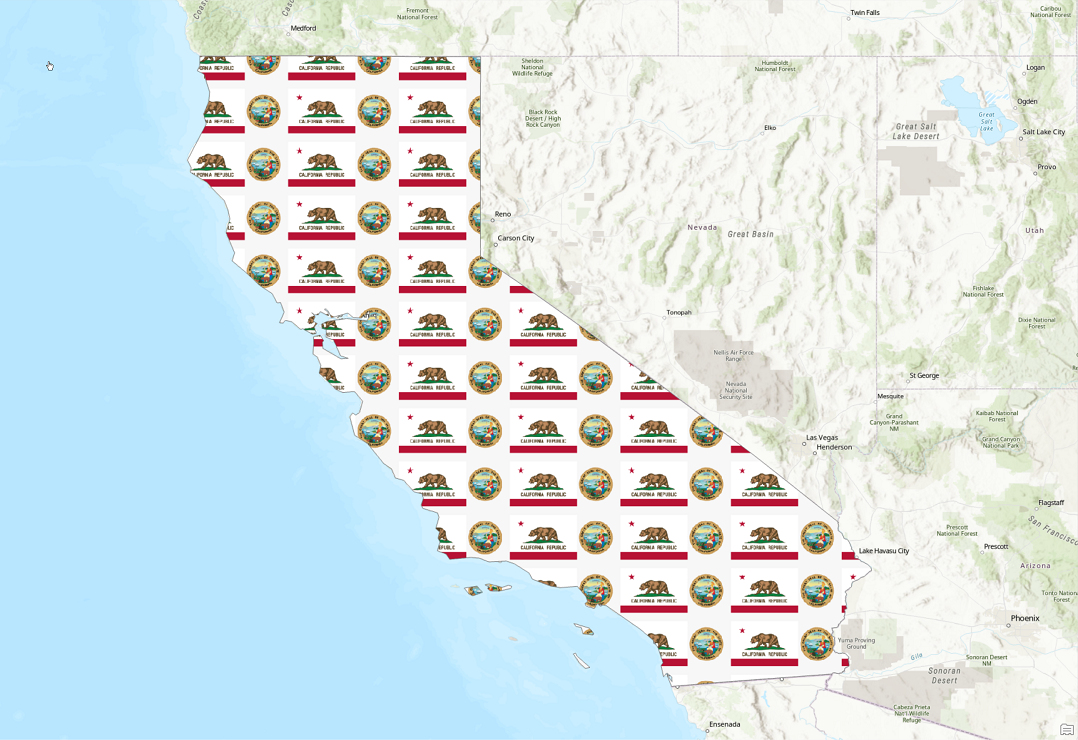 /// </summary> { //Note: Run withing QueuedTask CIMStroke outline = SymbolFactory.Instance.ConstructStroke(CIMColor.CreateRGBColor(110, 110, 110), 2.0, SimpleLineStyle.Solid); //picture var imgPath = Path.Combine(Path.GetDirectoryName(Assembly.GetExecutingAssembly().Location), @"Images\CaliforniaEmblem.png"); var pictureFill = SymbolFactory.Instance.ConstructPictureFill(imgPath, 64); List<CIMSymbolLayer> symbolLayers = new() { outline, pictureFill }; CIMPolygonSymbol pictureFillPolygonSymbol = new CIMPolygonSymbol() { SymbolLayers = symbolLayers.ToArray() }; //To apply the symbol to a polygon feature layer //var renderer = theLayer.GetRenderer() as CIMSimpleRenderer; //renderer.Symbol = pictureFillPolygonSymbol.MakeSymbolReference(); //theLayer.SetRenderer(renderer); }
/// <summary> /// Constructs a water fill of specific color, waterbody size and wave strength. This fill can be used on polygon feature classes in a Scene view only. /// 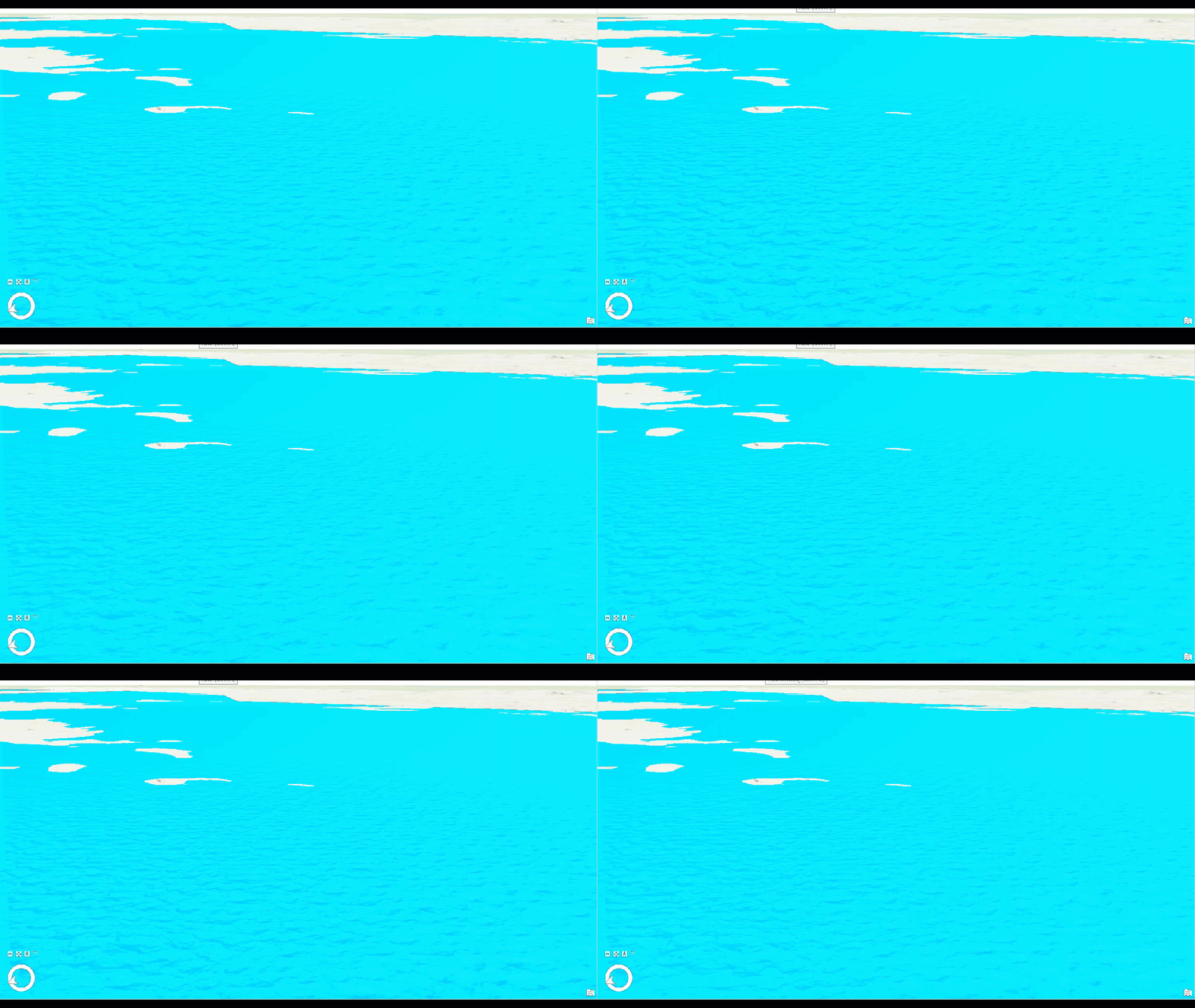 /// </summary> { //Note: Run withing QueuedTask CIMStroke outline = SymbolFactory.Instance.ConstructStroke(CIMColor.CreateRGBColor(49, 49, 49, 50.0), 2.0, SimpleLineStyle.Solid); var waterFill = SymbolFactory.Instance.ConstructWaterFill(CIMColor.CreateRGBColor(3, 223, 252), WaterbodySize.Large, WaveStrength.Rippled); List<CIMSymbolLayer> symbolLayers = new List<CIMSymbolLayer> { outline, waterFill }; CIMPolygonSymbol waterFillPolygonSymbol = new CIMPolygonSymbol() { SymbolLayers = symbolLayers.ToArray() }; //To apply the symbol to a polygon feature layer //var renderer = theLayer.GetRenderer() as CIMSimpleRenderer; //renderer.Symbol = waterFillPolygonSymbol.MakeSymbolReference(); //theLayer.SetRenderer(renderer); }
Target Platforms: Windows 11 Home, Pro, Enterprise (64 bit)