Parameters
- color
- ArcGIS.Core.CIM.CIMColor
{
  //create marker from the Font, char index,size,color
  await QueuedTask.Run(() =>
  {
    var cimMarker = SymbolFactory.Instance.ConstructMarker(125, "Wingdings 3", "Regular", 6, ColorFactory.Instance.BlueRGB) as CIMCharacterMarker;
    var polygonMarker = cimMarker.Symbol;
    //modifying the polygon's outline and fill
    //This is the outline
    polygonMarker.SymbolLayers[0] = SymbolFactory.Instance.ConstructStroke(ColorFactory.Instance.GreenRGB, 2, SimpleLineStyle.Solid);
    //This is the fill
    polygonMarker.SymbolLayers[1] = SymbolFactory.Instance.ConstructSolidFill(ColorFactory.Instance.BlueRGB);
    //create a symbol from the marker
    //Note this overload of ConstructPointSymbol does not need to be run within QueuedTask.Run.
    var pointSymbol = SymbolFactory.Instance.ConstructPointSymbol(cimMarker);
  });
}
{
  await QueuedTask.Run(() =>
  {
    //using the default font
    var textSym1 = SymbolFactory.Instance.ConstructTextSymbol();
    var textSym2 = SymbolFactory.Instance.ConstructTextSymbol(
                       ColorFactory.Instance.BlueRGB, 14);

  //using a specific font
  var textSym3 = SymbolFactory.Instance.ConstructTextSymbol("Arial");
  var textSym4 = SymbolFactory.Instance.ConstructTextSymbol(
                    "Arial", "Narrow Bold");

  //or query available fonts to ensure the font is there
  var all_fonts = SymbolFactory.Instance.GetAvailableFonts();
  var font = all_fonts.FirstOrDefault(f => f.fontName == "Arial");
  if (!string.IsNullOrEmpty(font.fontName))
  {
    var textSym5 = SymbolFactory.Instance.ConstructTextSymbol(font.fontName);
    //or with a font+style
    var textSym6 = SymbolFactory.Instance.ConstructTextSymbol(
                                    font.fontName, font.fontStyles.First());
  }

  //overloads - font + color and size, etc
  var textSym7 = SymbolFactory.Instance.ConstructTextSymbol(
                  ColorFactory.Instance.BlueRGB, 14, "Times New Roman", "Italic");

  //custom symbol - black stroke, red fill
  var poly_symbol = SymbolFactory.Instance.ConstructPolygonSymbol(
    SymbolFactory.Instance.ConstructSolidFill(ColorFactory.Instance.RedRGB),
    SymbolFactory.Instance.ConstructStroke(ColorFactory.Instance.BlackRGB, 1));
    var textSym8 = SymbolFactory.Instance.ConstructTextSymbol(
      poly_symbol, 14, "Georgia", "Bold");
  });
}
/// <summary> /// Creates a point symbol with custom fill and outline /// 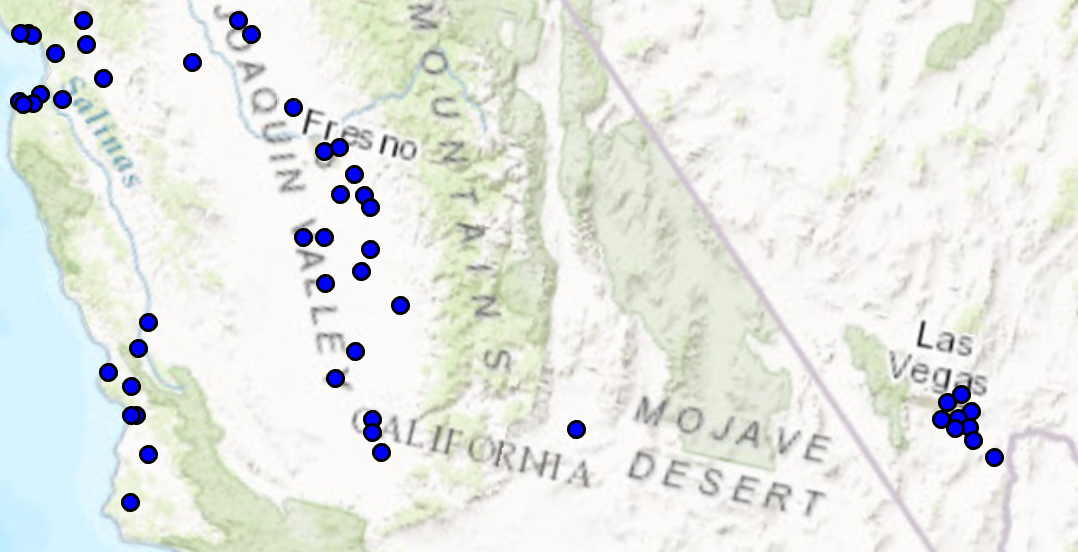 /// </summary> { //Note: Run withing QueuedTask var circlePtCustomFileOutlineSymbol = SymbolFactory.Instance.ConstructPointSymbol(ColorFactory.Instance.BlueRGB, 6, SimpleMarkerStyle.Circle); //Modifying this point symbol with the attributes we want. //getting the marker that is used to render the symbol var marker = circlePtCustomFileOutlineSymbol.SymbolLayers[0] as CIMVectorMarker; //Getting the polygon symbol layers components in the marker var polySymbol = marker.MarkerGraphics[0].Symbol as CIMPolygonSymbol; //modifying the polygon's outline and width per requirements polySymbol.SymbolLayers[0] = SymbolFactory.Instance.ConstructStroke(ColorFactory.Instance.BlackRGB, 2, SimpleLineStyle.Solid); //This is the outline polySymbol.SymbolLayers[1] = SymbolFactory.Instance.ConstructSolidFill(ColorFactory.Instance.GreenRGB); //This is the fill //To apply the symbol to a point feature layer //var renderer = pointLayer.GetRenderer() as CIMSimpleRenderer; //renderer.Symbol = circlePtCustomFileOutlineSymbol.MakeSymbolReference(); //pointLayer.SetRenderer(renderer); }
Target Platforms: Windows 11 Home, Pro, Enterprise (64 bit)