Get started with ArcGIS Velocity
This lesson introduces you to the ArcGIS Velocity app. This lesson is designed for beginners. You must have both ArcGIS Enterprise and ArcGIS Velocity installed. The estimated time to complete this quick lesson is five minutes.
Learn more about installing Velocity
Access the Velocity app
Complete the following steps to sign in to the Velocity app:
Access your ArcGIS Enterprise portal home page.
Click Apps
 .
.Click ArcGIS Velocity.
Once you are signed in, the Velocity Home page appears.
For the best experience, use Google Chrome or Mozilla Firefox.
Note:
If you encounter issues signing in, contact your Enterprise administrator. You may need to be assigned a role with privileges to use Velocity.
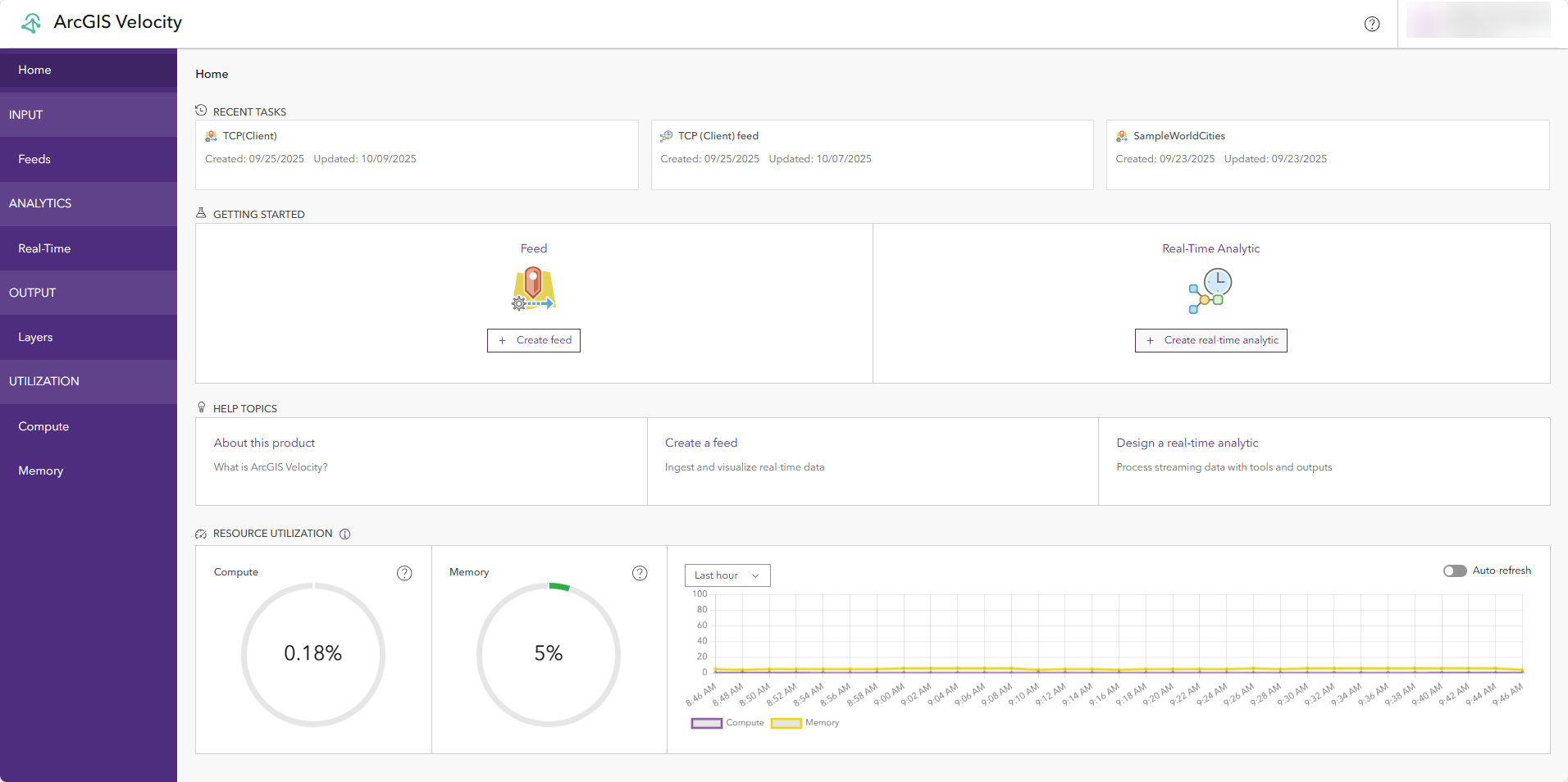
The Velocity home page provides shortcuts to create feeds and analytics, links to available resources, and information about your Velocity subscription.
Continue to the next lesson to learn how to create a feed.